

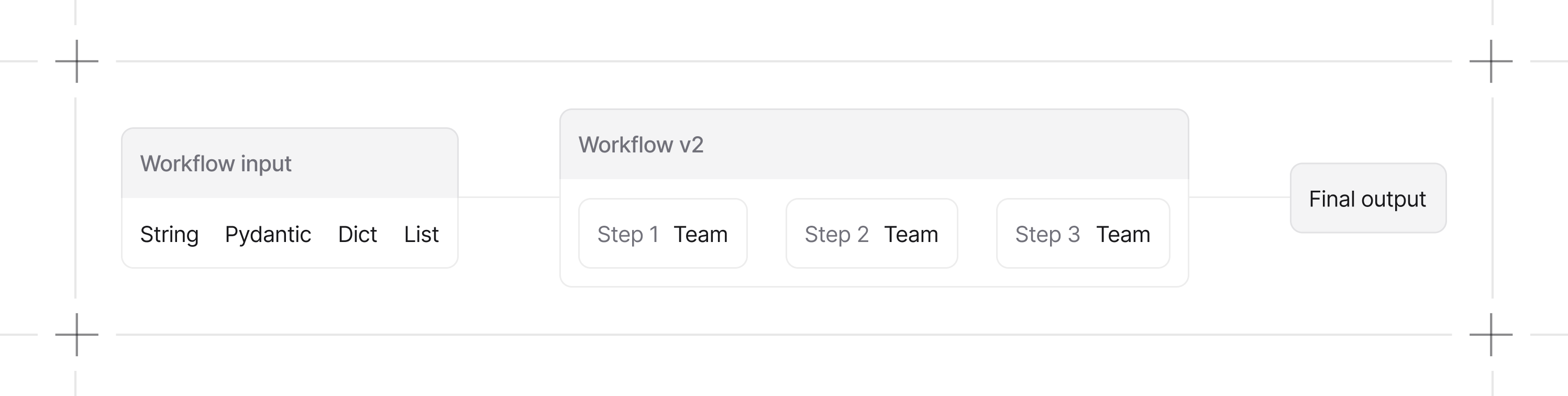
StepInput. Agent, team, and nested-workflow steps receive the most recent output as their input.
Your First Workflow
This workflow takes a topic, collects relevant HackerNews stories, and writes an article:1
Install dependencies
2
Export your OpenAI API key
When to Use Workflows
Workflow control flow is repeatable. Agent and team outputs can still vary between runs. Configure a database when you need persisted run records.
Step Executors
AStep wraps exactly one executor:
The workflow’s
steps list also accepts Steps, Parallel, Loop, Condition, and Router containers. Agents, teams, functions, and nested workflows are auto-wrapped when passed directly.
Controlling Workflows
Workflows support conditional logic, parallel execution, loops, and conversational interactions. See Workflow patterns and the guides below.Guides
Build Workflows
Define steps, inputs, and outputs.
Run Workflows
Execute workflows and handle responses.
Conversational Workflows
Enable chat interactions on your workflows.