

Prerequisites
Development
Run locally before deploying to Railway.Clone the template
| Agent | Description |
|---|---|
| Knowledge Agent | Answers questions from your documents using Agentic RAG. |
| MCP Agent | Connects to external tools via Model Context Protocol. |
Load knowledge
Confirm it's running
Navigate to localhost:8000/docs to see your AgentOS API.
Connect to the control plane
- Go to os.agno.com
- Click Connect OS → Select Local
- Enter
http://localhost:8000
Your AgentOS is running locally.
Production
Deploy to Railway when you’re ready to go live.Prerequisites
- Railway account (free tier works)
- Railway CLI
Deploy
Get your domain
my-agentos.up.railway.app). Navigate to <your-domain>/docs to confirm the API is running.Connect to the control plane
- Go to os.agno.com
- Click Connect OS → Select Live
- Paste your Railway domain
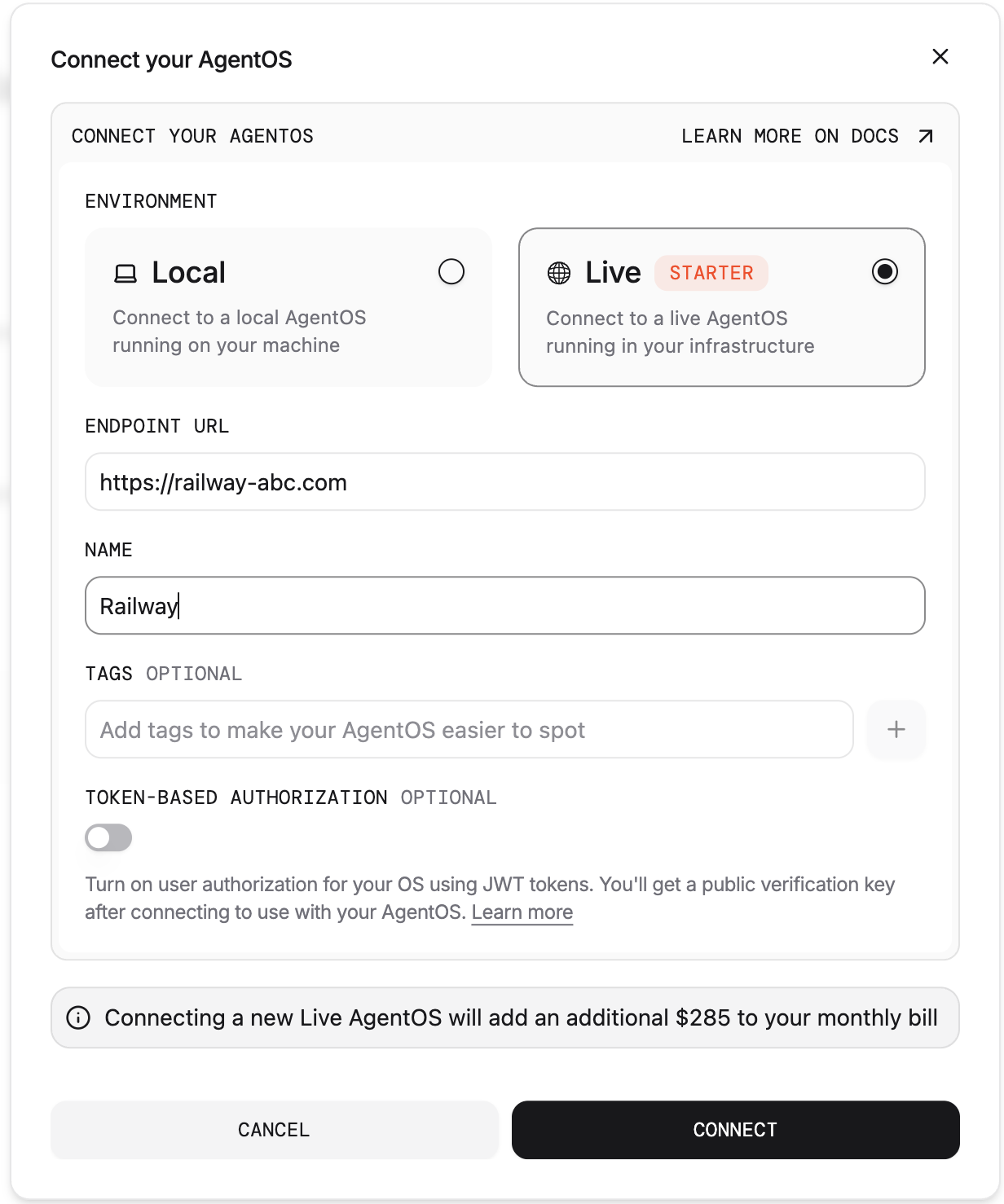
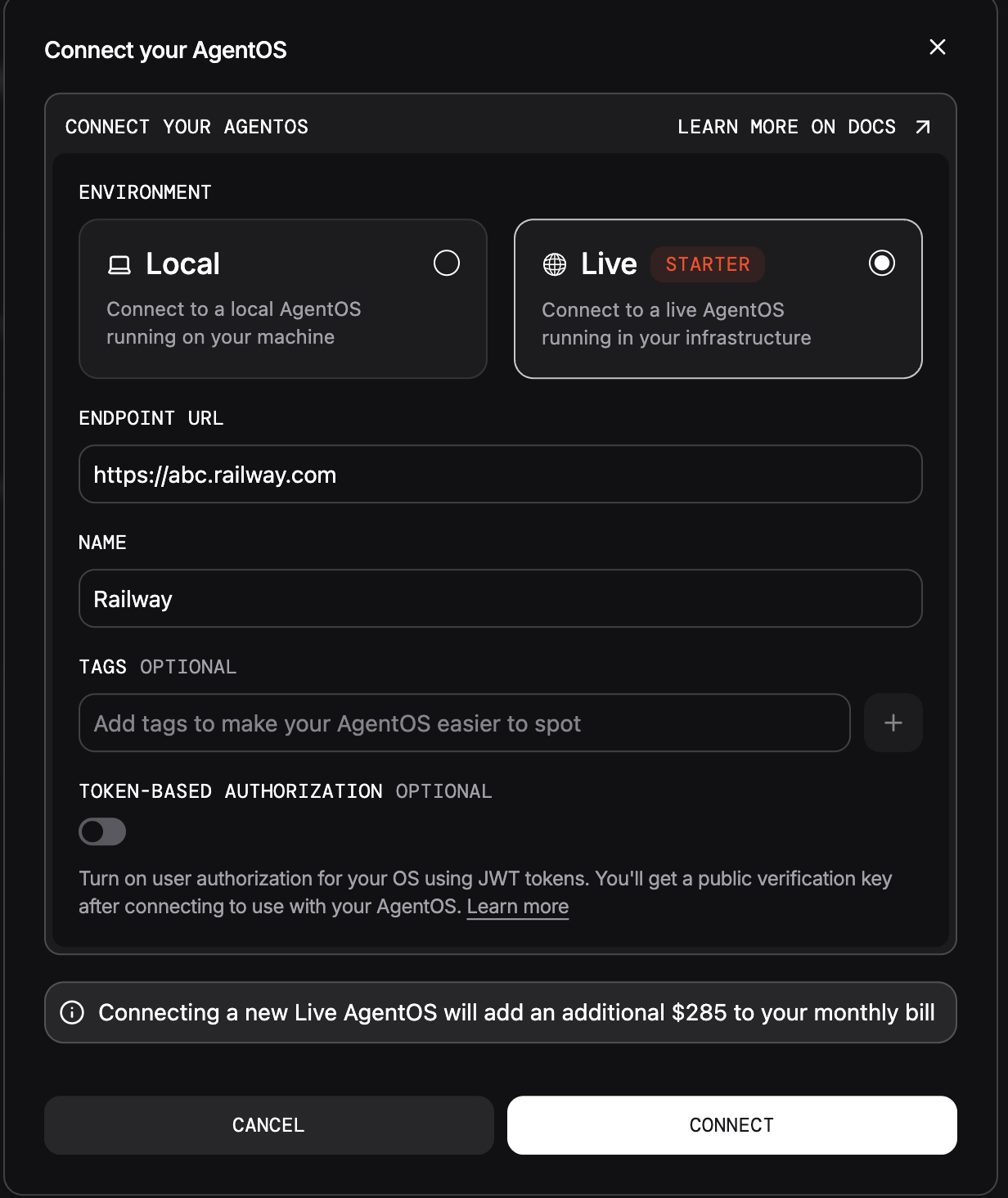
Your AgentOS is live on Railway.
Next Steps
Add apps
Browse agents, teams, and workflows for your deployment.
Connect interfaces
Expose your agents on Slack, Discord, WhatsApp, or MCP.